Documentation · v0.1
Get started in 30 seconds.
Superview is a local CLI. Install it once, run sv,
and every Claude Code session on your laptop becomes browsable.
One command. No account.
Superview ships as a single npm package. It runs entirely on your machine — no signups, no API keys, no telemetry.
$ npm install -g superview@latest

added 1 package in 4s

$ sv --version
superview 0.1.4
After install, the binary is available as both sv
and superview. Use whichever you prefer.
$ npx superviewSkips installation. Slower first run, but useful for trying it on a fresh machine.
Type sv. That's it.
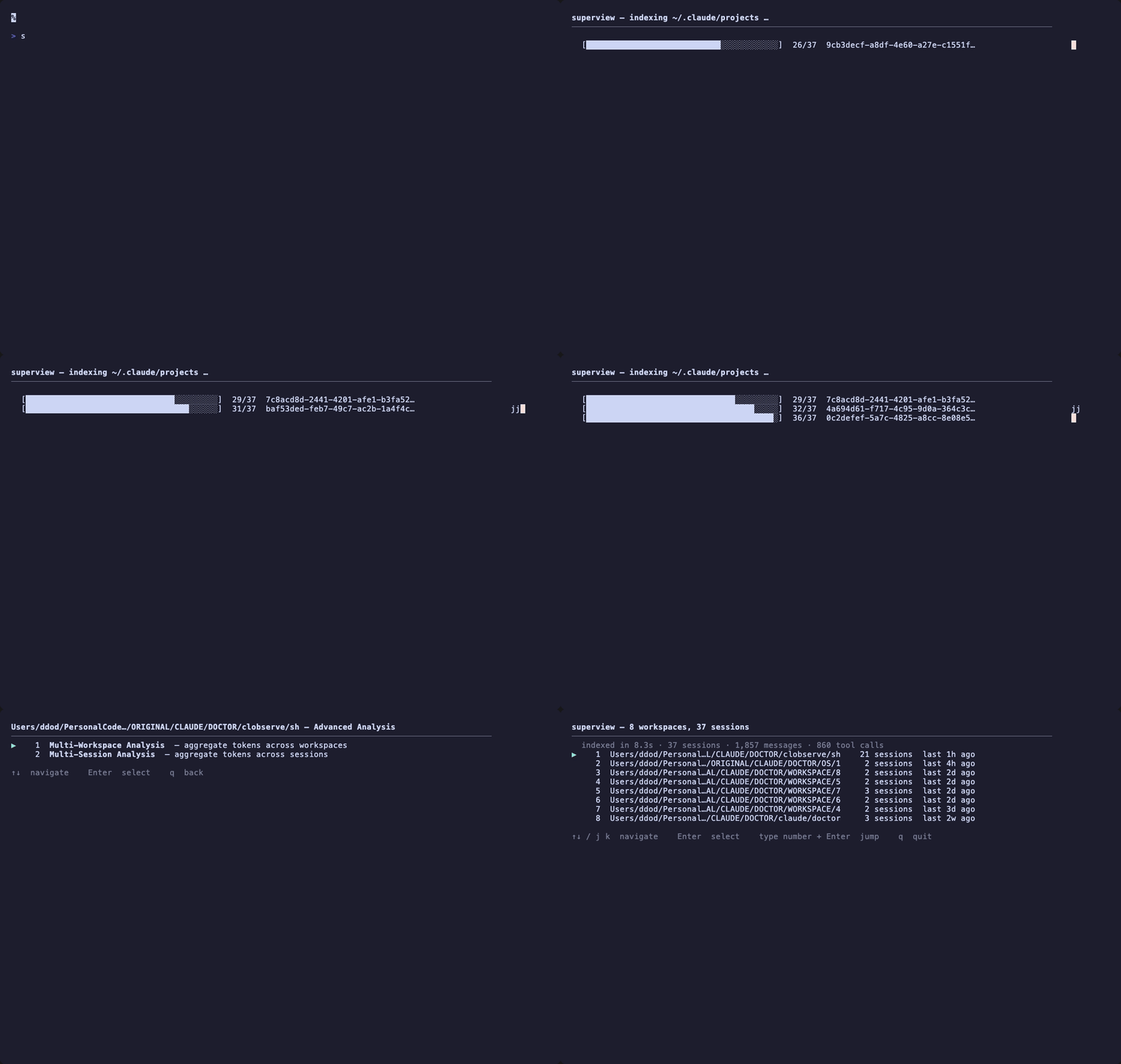
Superview auto-detects your Claude Code session directory
(~/.claude by default), indexes every workspace,
and drops you into a browsable terminal UI.

Use ↑ ↓ to navigate, enter to drill in, q to quit.
What you'll see
Every Claude Code project, ranked by recent activity.
Edit thrashing, error loops, abandoned runs — flagged inline.
Every tool call, file edit, and error in chronological order.
The whole CLI fits on a postcard.
Five flags. Two aliases. No config file required.
Real things people do with it.
Find the session that went off the rails.
Open Superview, sort by signal severity. The workspace with the loudest red dot is where Claude got stuck. Drill in to see the exact tool call that started the loop.
Read the trajectory before you push.
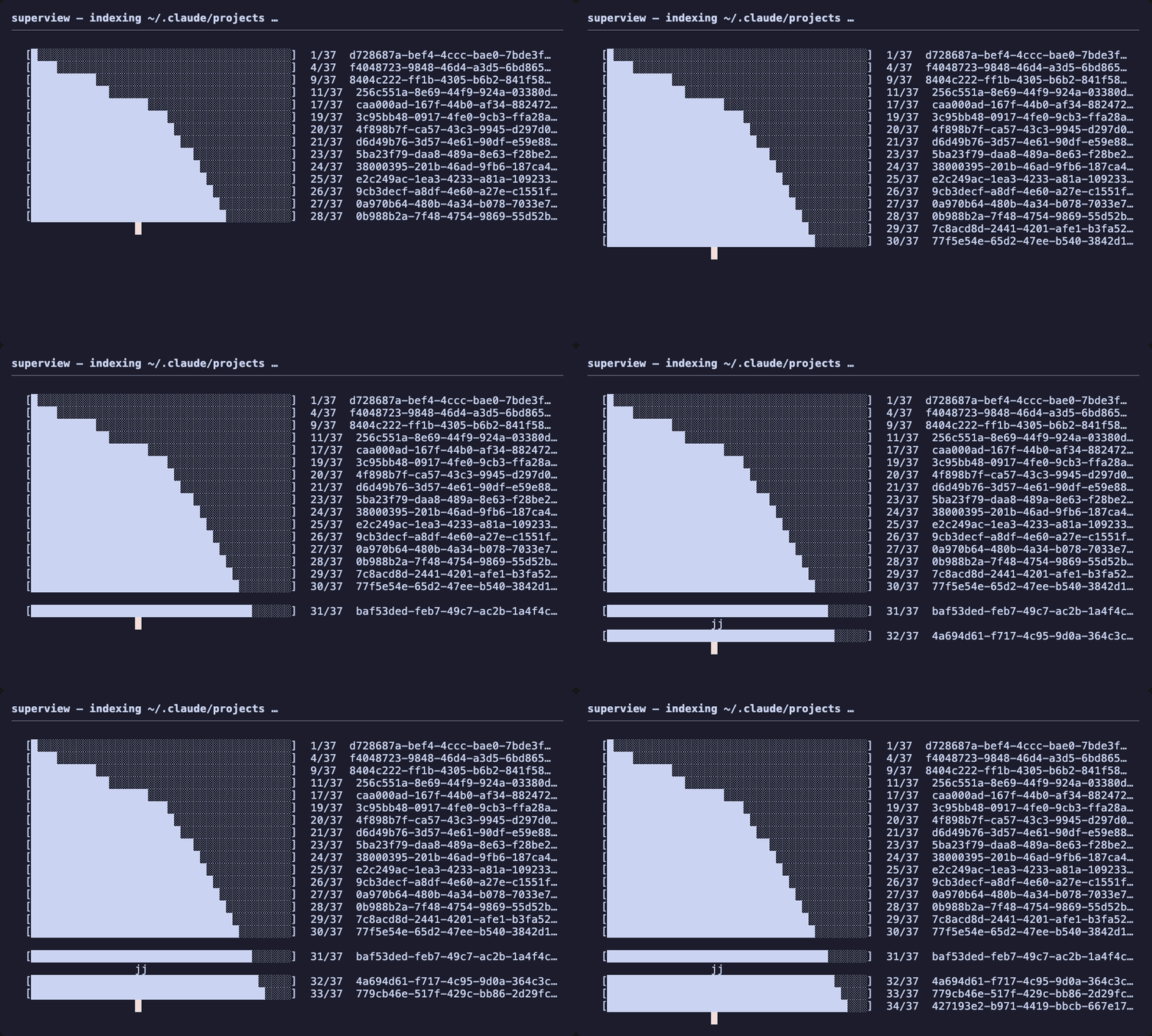
Before opening that PR, spend 30 seconds in Superview. See every file Claude touched, every tool call it made, every error it silently retried. You'll catch surprises GitHub never shows you.
Pipe signals anywhere.
sv export dumps structured JSON. Send it
to Slack, store it in a database, or build your own dashboard.
Local-first doesn't mean isolated.
# Slack-ready summary
$ sv export acme-app | jq '.signals[] | select(.severity=="high")'

# Daily digest in cron
$ sv export --since 24h --all > ~/digest.json
Ready?